Hi medic664,
I understand that you are receiving unsolicited iMessages and FaceTime calls from an email address that you don't recognize. I know it's important to have control over who contacts you, so I'm happy to help.
Check out this article which provides a few options for blocking contacts and messages. One option it suggests is to filter the unknown senders:
Block phone numbers and contacts or filter messages on your iPhone, iPad or iPod Touch - Apple Support
You can filter iMessages from people who aren't saved in your Contacts.
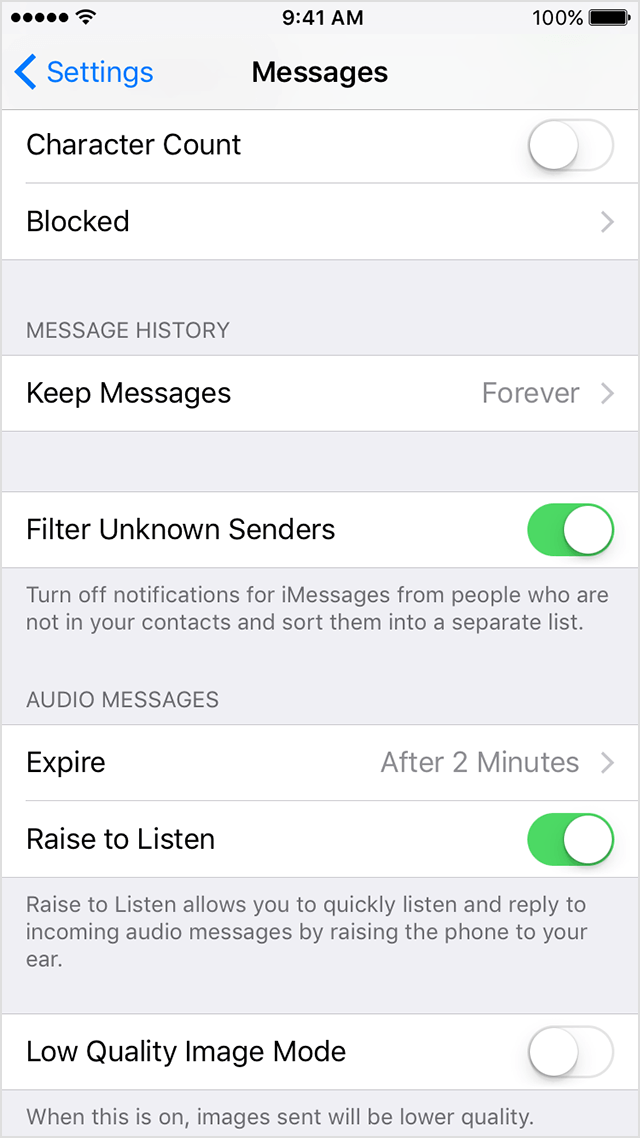
To filter iMessages, go to Settings > Messages and turn on Filter Unknown Senders.
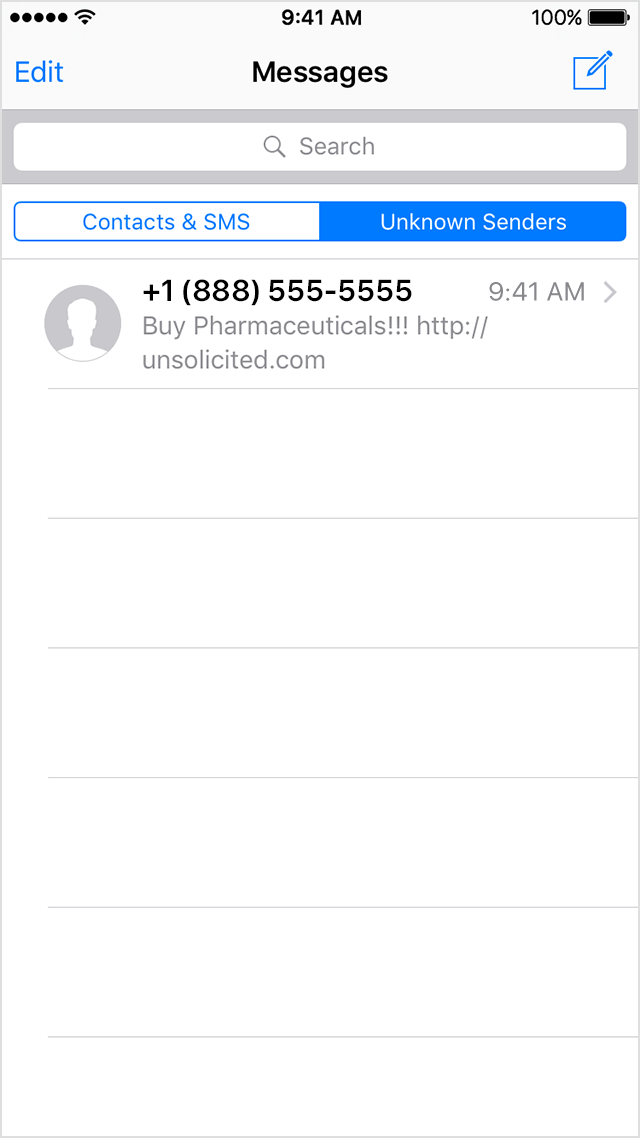
In Messages, you'll see a new tab for Unknown Senders but you won't get notifications for these iMessages.
That article also has steps for reporting spam or junk messages:
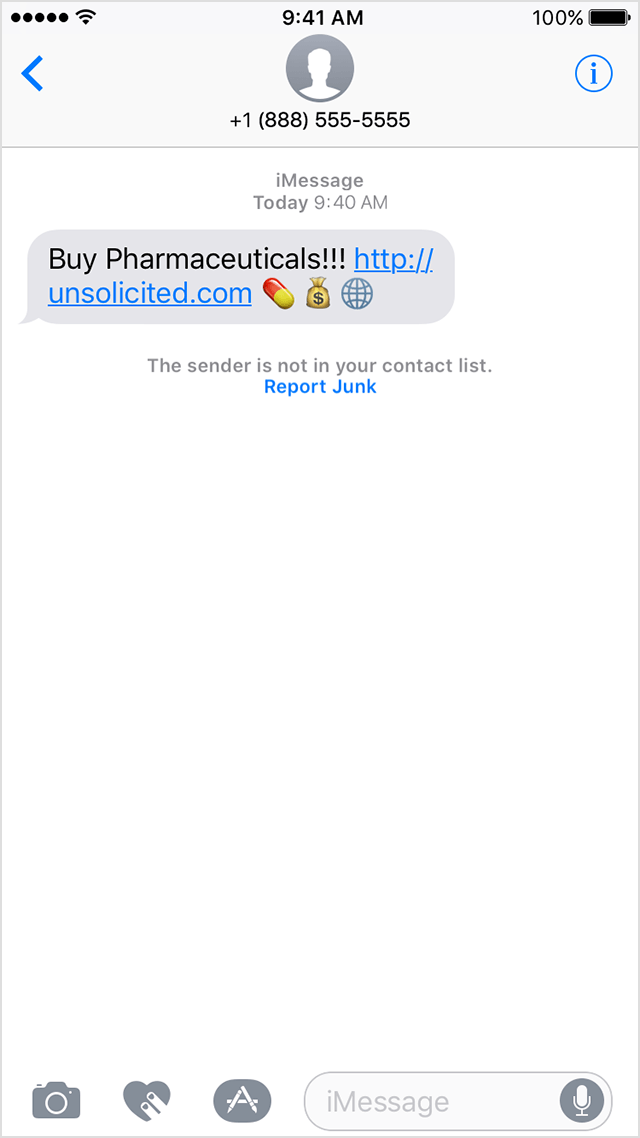
You can report iMessages that look like spam or junk from the Messages app. If you get an iMessage from someone who's not saved in your Contacts, you'll see a Report Junk link under the message. Tap the link to forward the sender's information and the message to Apple.
Lastly, to block the FaceTime calls:
If you're in the FaceTime, tap  next to the phone number or contact that you want to block. Scroll to the bottom of your screen, then tap Block this Caller.
Thanks for using the Apple Support Communities. Cheers!


